TaskDashboard: Designing a Local-First Project Manager
A practical look at hierarchical task modeling, derived views, local persistence, and the operational details behind a portable desktop application.
- #local-first
- #react
- #developer-tools
- #open-source
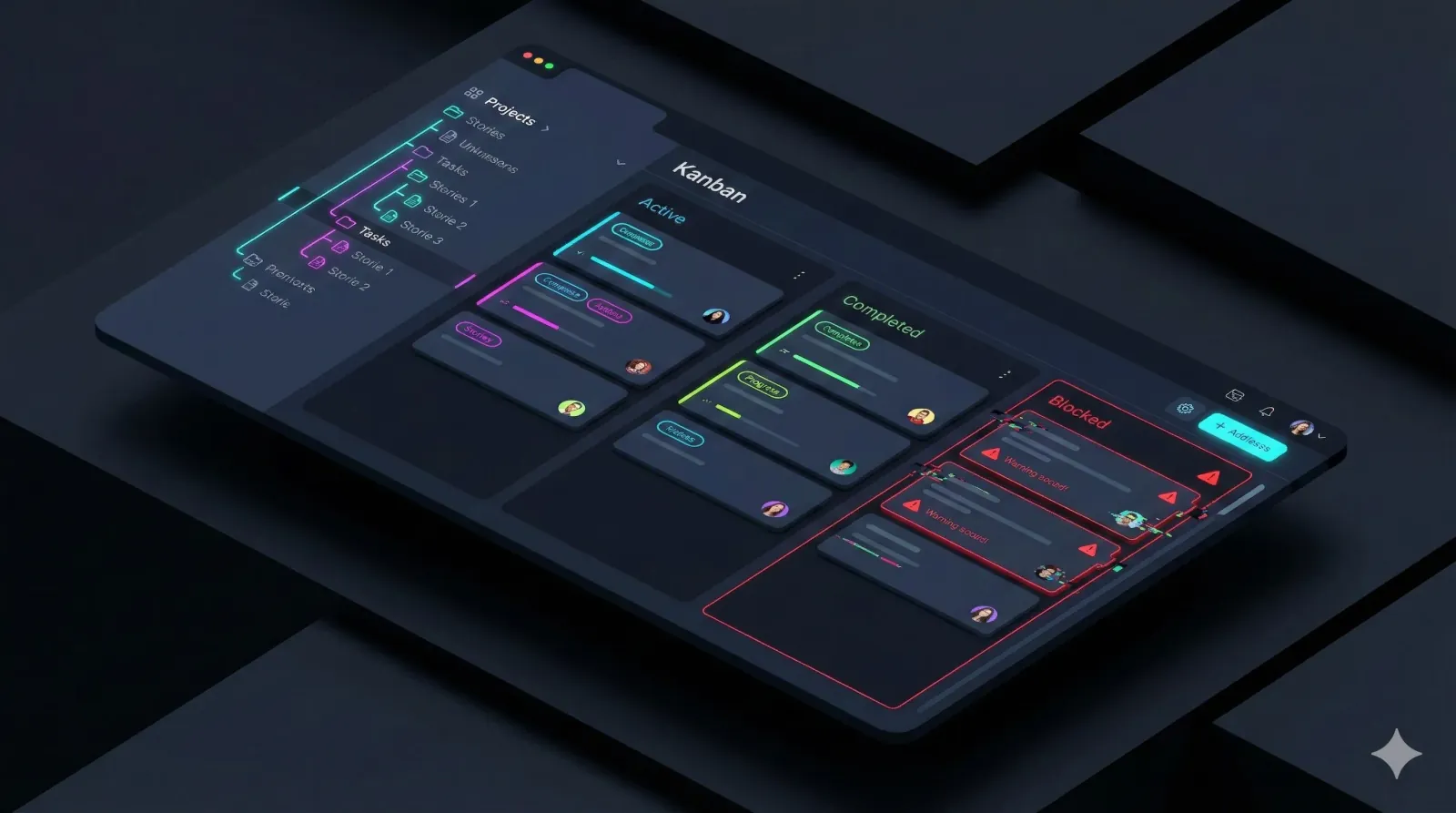
TaskDashboard started with a need for a focused project tracker that could run locally and represent dependencies clearly. The design centers on projects, user stories, and tasks, with enough context to understand why work is blocked.
Model the work before choosing the view
A flat list is useful for immediate actions, but it can lose the relationship between a task and the initiative it supports. TaskDashboard uses a hierarchy of projects, user stories, and tasks so that context remains available when navigating the work.
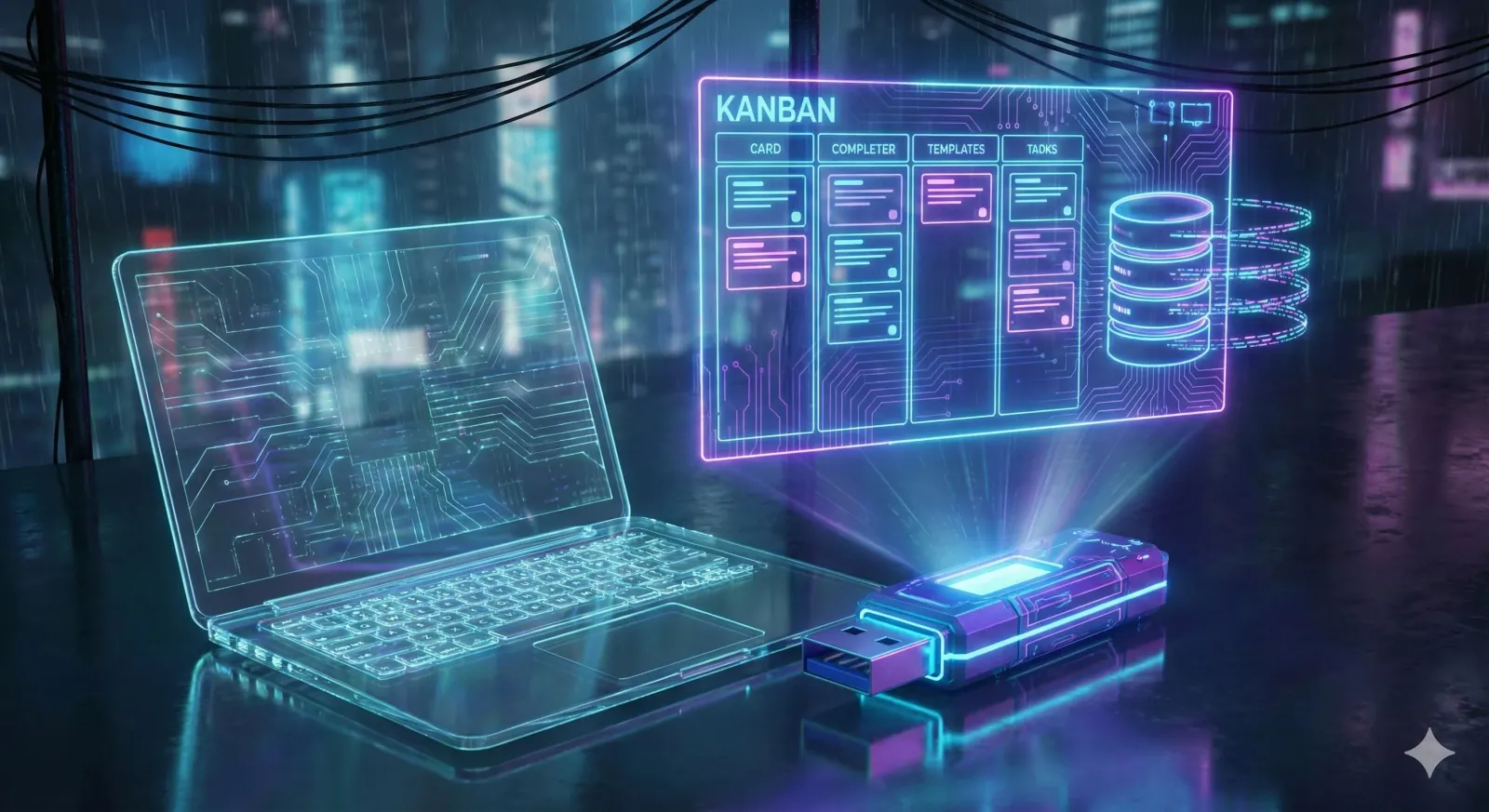
Status and dependency information serve different purposes. A task can be blocked because another item is incomplete, and the interface should make that relationship visible instead of relying on a free-text note alone.
Derive useful views from a consistent model
The implementation uses React and TypeScript for the interface, Zustand for application state, and Dexie over IndexedDB for local persistence. Electron provides the desktop shell.
Dashboard views should be derived from the stored model where practical. Keeping separate copies of the same status or progress calculation creates synchronization work and makes defects harder to diagnose.
A clear boundary between persistence, derived state, and presentation helps keep those calculations testable as the interface changes.
Treat local persistence as an operational choice
Local-first storage allows the core workflow to run without a remote application backend. The local database still needs recovery planning: schema changes, failed writes, exports, and imports are part of the product.
Local storage is not itself a backup. A portable application also needs an explicit strategy for its data directory; packaging an executable does not automatically make its state portable.

The portable build places application data alongside the executable through explicit configuration. That simplifies moving the application, provided it is closed and its files are copied consistently. Exported backups remain useful for recovery and migration.
Keep the scope deliberate
A local tool trades shared, continuously synchronized collaboration for simpler deployment and direct control of its data. That tradeoff fits some personal workflows; it should be reconsidered if multi-user editing becomes a requirement.
The project reinforced a familiar architectural lesson: the storage and deployment model should follow the user's workflow, including how they recover their work when something goes wrong.