Separating Editor and Print Layout in a Client-Side CV Builder
Using a separate preview document to isolate CV styles, while treating persistence, HTML rendering, and PDF output as distinct engineering concerns.
- #react
- #architecture
- #local-first
I built CV Creator to make maintaining a résumé easier: structured editing, a live document preview, and a path to PDF export. The main architectural challenge was keeping an interactive editor and a printable document maintainable within the same application.
Separate the two presentation models
The editor needs controls, validation, navigation, and responsive layout. The CV needs typography, page dimensions, and predictable print rules. Letting those styles share one document creates avoidable coupling.
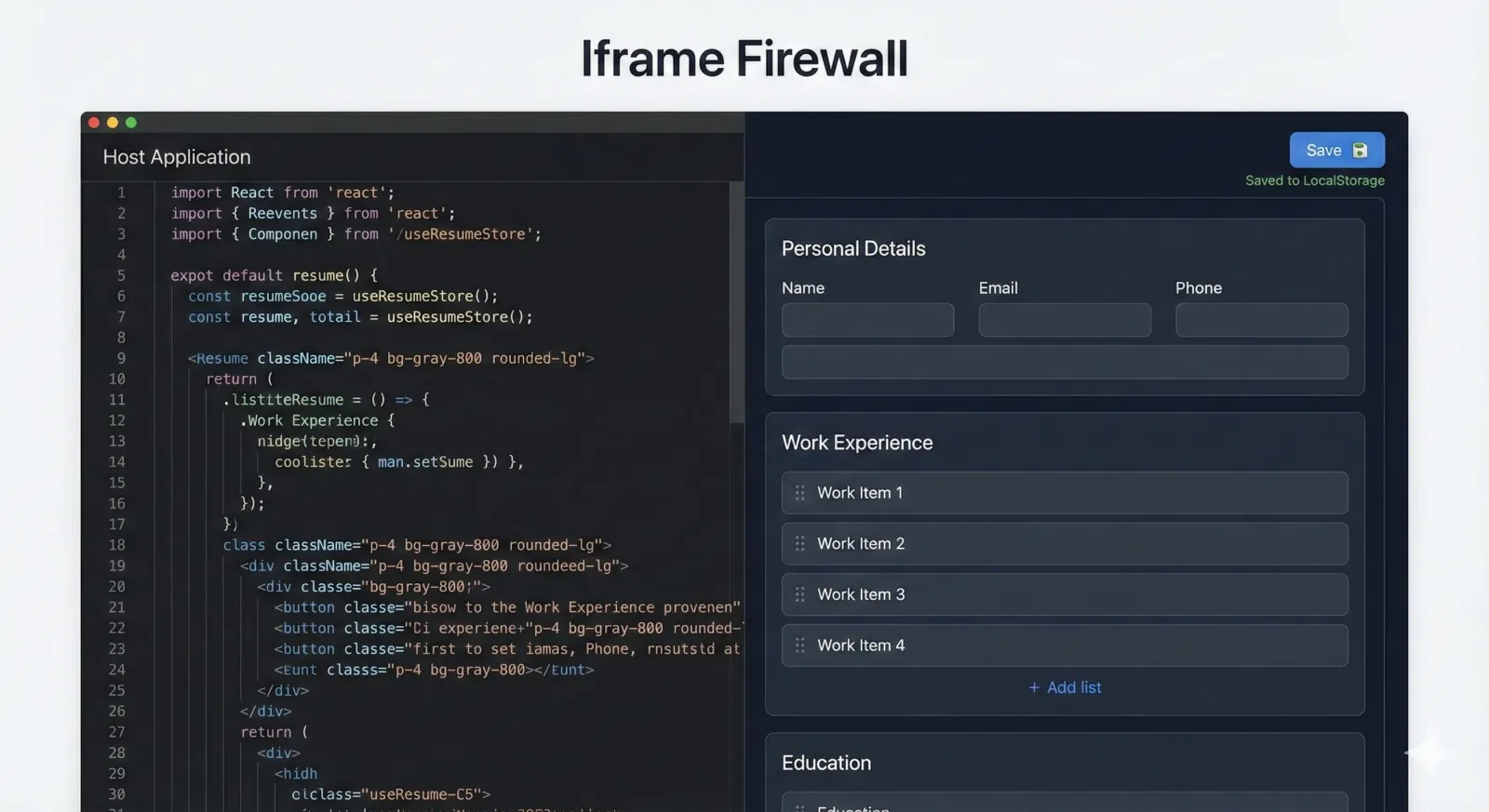
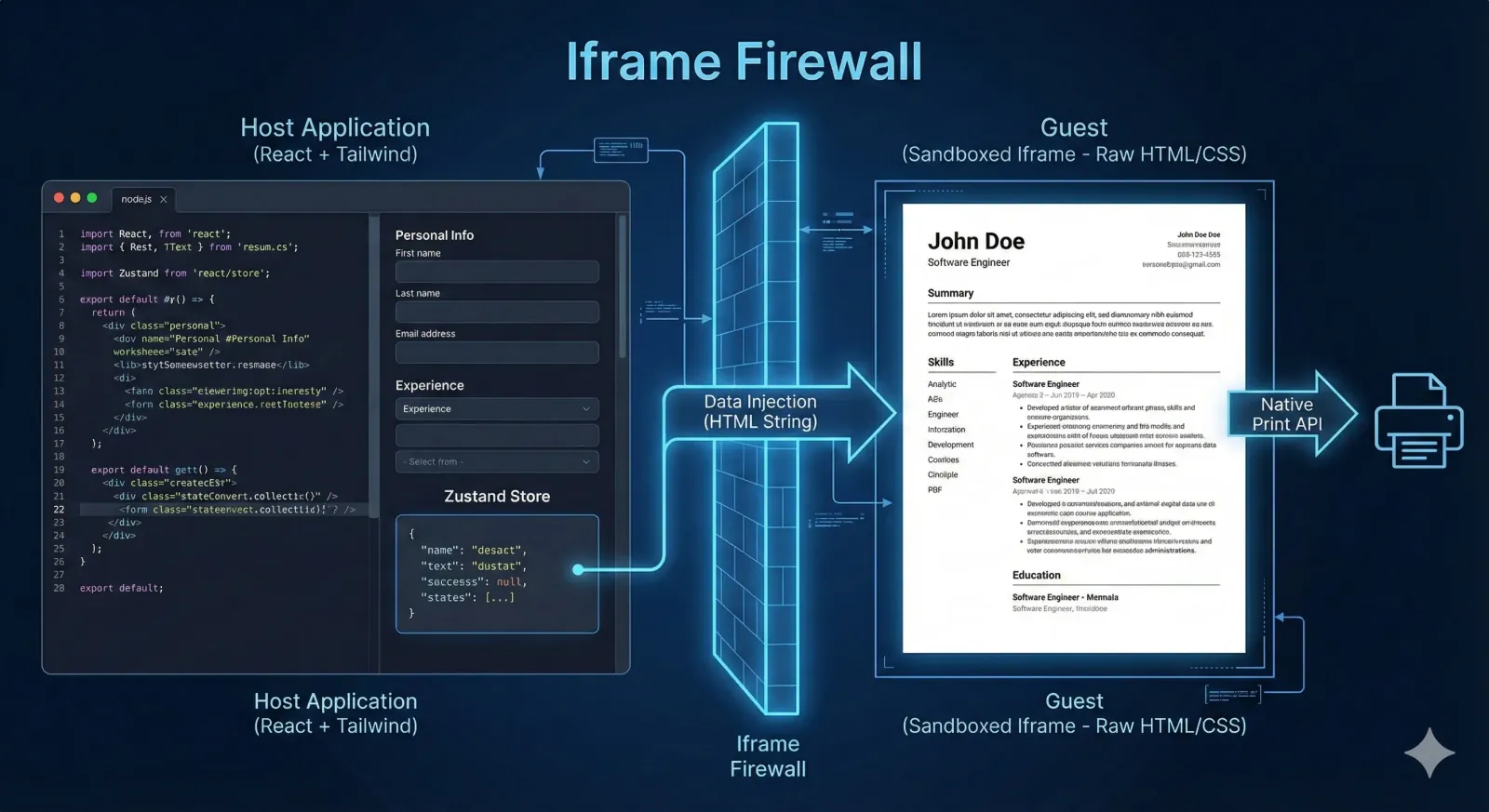
The implementation uses a structured data model and document templates. The editor changes the data; the preview renders it. Keeping the document model independent of the controls makes template changes easier to evaluate.
Give the preview its own document
An iframe rendered through srcDoc provides a separate document for the CV template and its styles. Editor CSS does not cascade into that document, and the preview can define its own print layout.
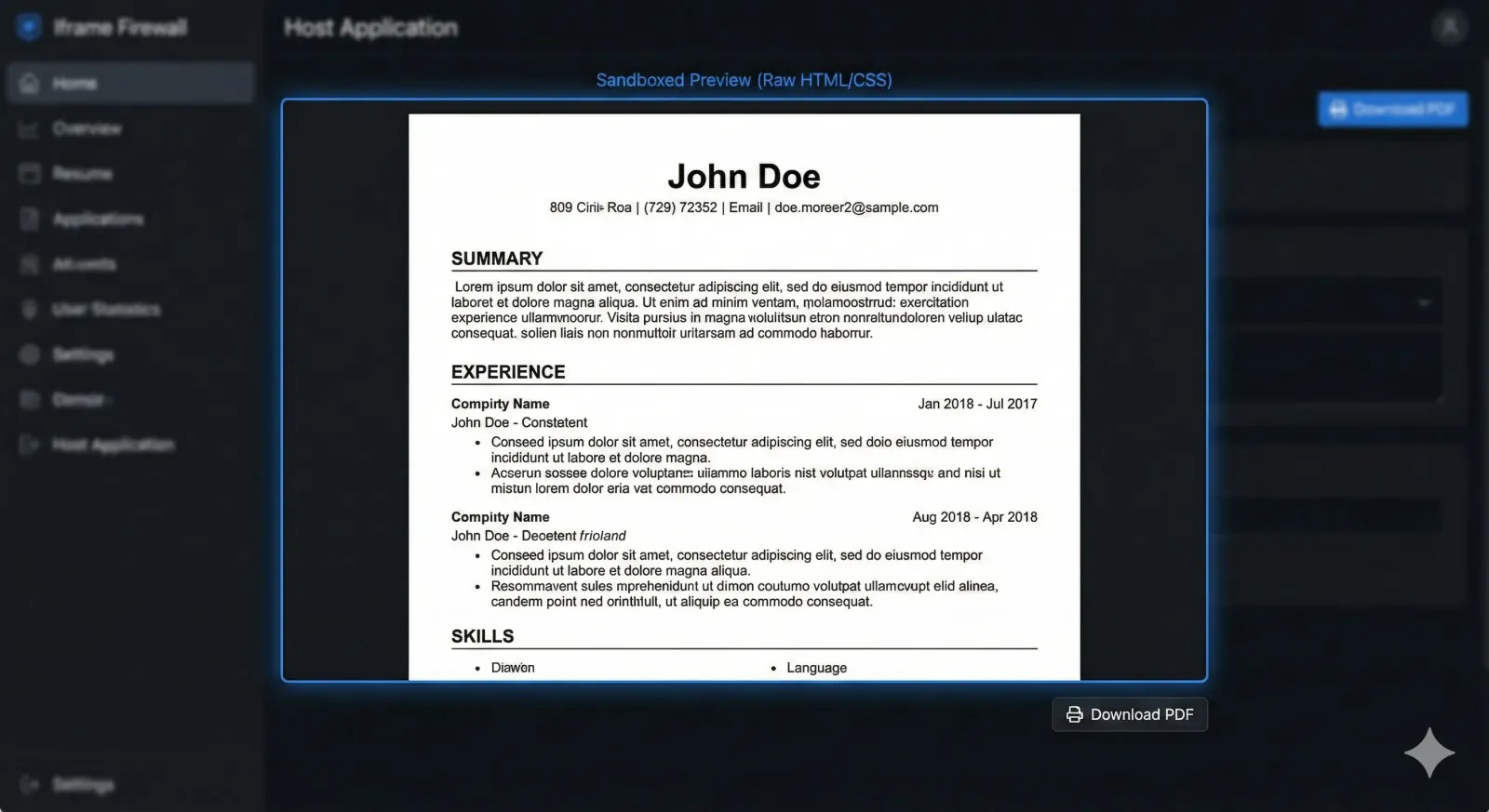
That is a useful styling boundary. Security depends on separate choices: the source of the HTML, escaping user-supplied values, URL validation, and any iframe sandbox permissions. A same-origin iframe is not automatically a security boundary. The MDN iframe reference explains the relevant controls.
Make persistence and recovery explicit
Browser-local storage supports a lightweight editing workflow without requiring an account. It also means the browser profile becomes part of the persistence boundary. Clearing site data or moving to another device can remove access to that local copy.
Export and backup behavior should be clear to users. Keeping data in the browser reduces the need for a server-side document store, but privacy still depends on the application's complete data flow and dependencies.
Verify the printed document
A live preview helps catch layout issues early. It cannot guarantee identical pagination or PDF output across browsers, fonts, and print settings.
Useful verification cases include a short CV, several pages of experience, long URLs, empty optional sections, and content near a page boundary. Print-specific CSS, font loading, and page-break rules need to be checked against the actual export path.
Choose boundaries that simplify change
The main benefit of this design is separation of responsibility: structured content, editor behavior, document templates, and print output can evolve with clearer contracts. That keeps a small client-side tool understandable as its templates and editing features grow.
Try CV Creator. It is free to use and requires no account.